What Makes The Best Wireless Gaming Mouse Worth Buying?
The right mouse should feel comfortable, responsive and easy to control, whether you’re gaming, working, editing or creating. A modern wireless gaming mouse can serve as an everyday computer accessory as well as a gaming peripheral, giving you the flexibility to move between different tasks without changing your mouse.
That makes finding the best wireless gaming mouse less about choosing a mouse based on one specification and more about looking at the complete package. Shape, weight, sensor performance, connectivity, controls, battery life and customisation can all influence how useful a mouse is across gaming, office work, editing and creative tasks.
Start With How You Use Your Mouse
More features don’t necessarily make one mouse a better fit for your setup. The better question is: what will you use the mouse for?
Think about your current setup:
- Gaming and entertainment
- Office work and everyday browsing
- Photo or video editing
- Creative and design work
- Switching between different devices
- Tasks that benefit from additional controls
Thinking about your complete computer routine can make your search more focused. A mouse that works well for gaming can also be useful for everyday work, editing and creative tasks when its features match those requirements.
One Mouse For Different Types Of Work
A multi-purpose gaming mouse can fit into more than one part of your day. You might use it for gaming in the evening, move to office work during the day and then use the same mouse for editing, design or other creative projects.
Its usefulness can come down to the combination of features it offers. Precise cursor control can help with editing and creative work, while comfortable handling can matter during longer work sessions. Additional buttons or customisation options may also be useful when you want quicker access to frequently used controls.
This makes a versatile gaming mouse worth considering if you want one peripheral that can handle different types of computer use rather than being limited to gaming.
The Right Shape Can Change The Experience
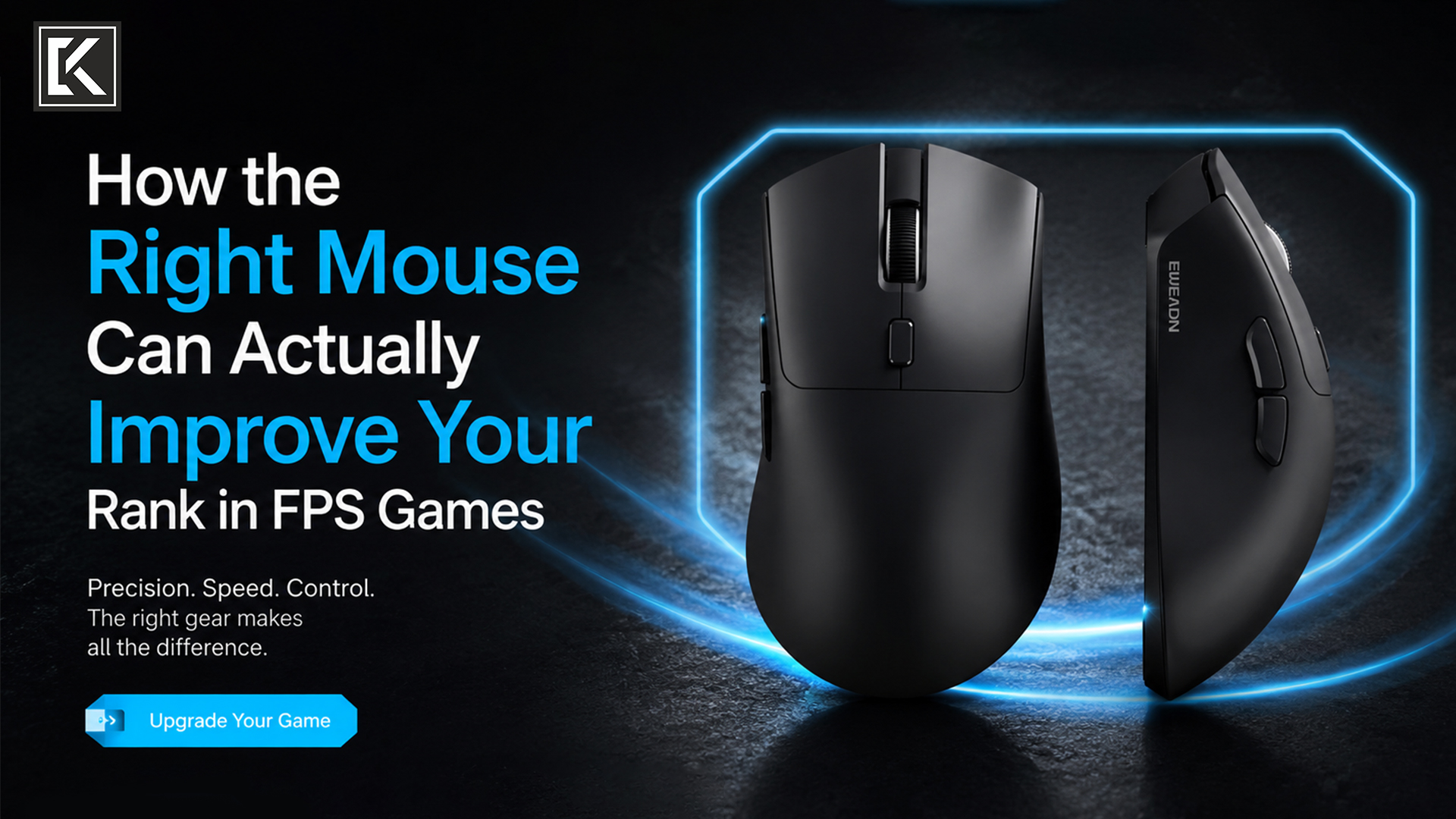
A mouse can look perfect online and still feel wrong in your hand. Whether you’re gaming, working on documents or spending time editing, shape, size and button placement can affect how naturally you control the mouse.
Your preferred grip is worth considering, but so is your hand size. A mouse that feels comfortable for one player may feel too compact or too large for another.
Before buying, check:
- Length and width
- Overall shape
- Weight
- Main button positioning
- Side-button placement
- Scroll-wheel position
Product dimensions are easy to overlook, but they can be some of the most useful information on a product page.
Look Beyond DPI: Explore The Advanced Features
DPI is one of the first specifications gamers notice, but it is only one part of what a modern gaming mouse can offer. If you plan to use the mouse across gaming, work and creative tasks, look at the complete set of specifications rather than focusing on a single number.
When comparing models, look at:
- Sensor type
- DPI range
- Adjustable sensitivity
- Polling rate, where specified
- Software support for customisation
Think of DPI as one part of the overall picture rather than a scorecard for deciding which mouse is better.
Compare Wireless Connectivity Options
One of the biggest reasons to choose a wireless gaming mouse is the freedom to move between gaming, work and everyday computer tasks without a cable running across your desk.
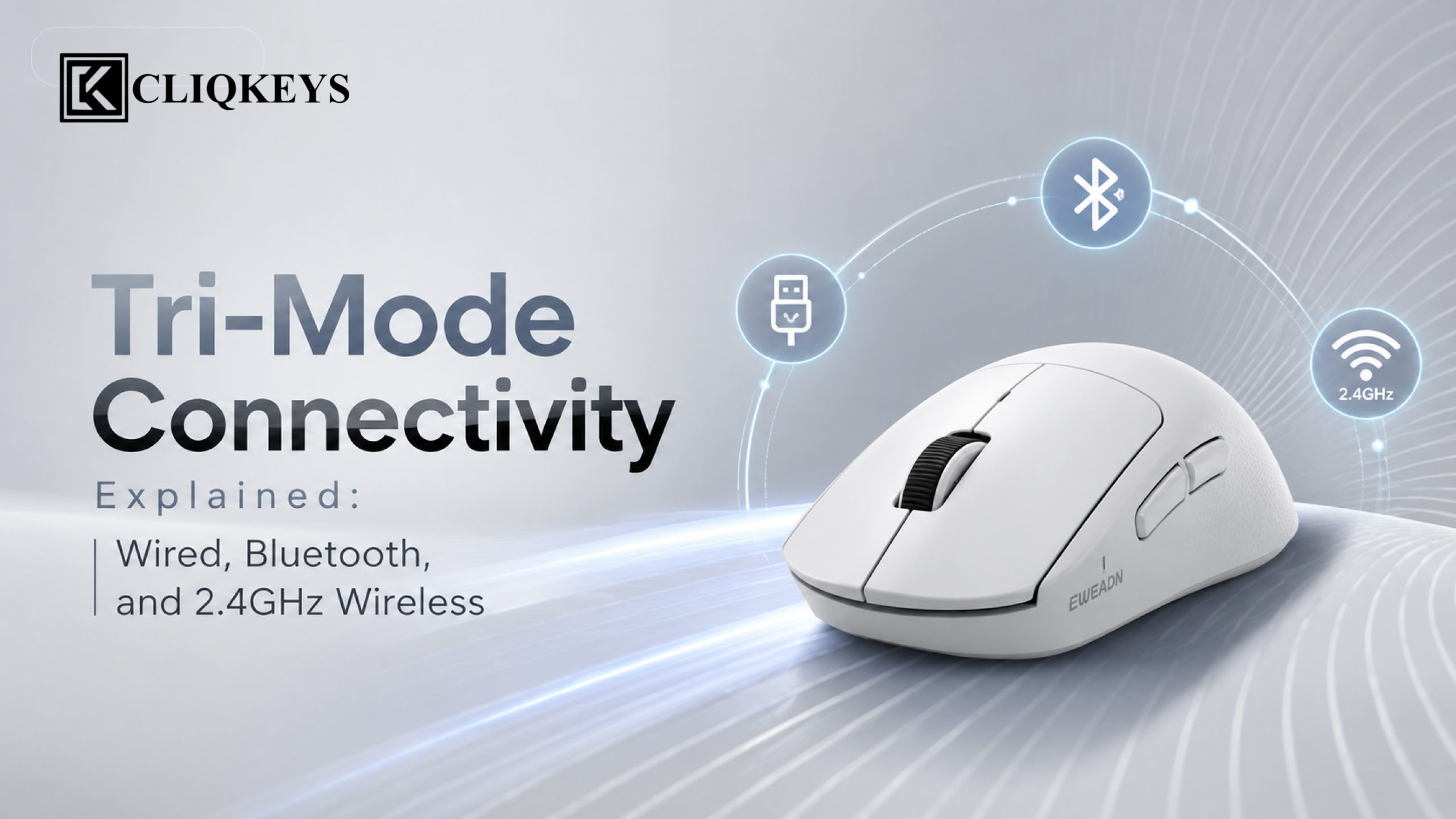
But wireless mice are not all connected in exactly the same way. Depending on the model, you may find 2.4GHz wireless, Bluetooth or multiple connection options.
Check the product details for:
- Connection methods
- Device compatibility
- Wireless receiver requirements
- Charging method
- Wired connectivity, if supported
If you regularly switch between devices, a mouse with multiple connectivity options can also be more versatile.
Battery Life Is Part Of The Buying Decision
Wireless convenience also means keeping an eye on charging.
Before choosing a mouse, look at the stated battery life and other battery specifications provided for that particular model. Then think about how you normally use it.
You may also want to check:
- Charging port
- Included cable
- Charging method
- Battery indicator or related features
- Whether wired use is supported while charging
These details may not be as exciting as RGB lighting or a high DPI number, but they can have a much bigger impact on everyday convenience.
Choose Features That Support Your Routine
Gaming mice can come with programmable buttons, RGB lighting, adjustable DPI and software-based customisation. These features can be useful not only during gaming but also when working, editing or handling other computer-based tasks.
For example, extra buttons can be useful if you want additional controls within easy reach. Customisation software can be useful if you like adjusting settings. Lighting may matter if you want your peripherals to match the rest of your setup.
Compare The Complete Package
When looking for the best wireless gaming mouse in India, price is naturally part of the decision, but it should be considered alongside how well the mouse can support your different types of computer use.
A useful comparison includes:
- Performance:
Sensor, DPI and polling specifications for the control you need. - Comfort:
Shape, dimensions and weight for gaming and everyday use. - Connectivity:
Wireless options and device compatibility. - Convenience:
Battery and charging requirements. - Control: Buttons, scroll wheel and customisation options.
- Versatility:
Whether the mouse’s features suit gaming, office work, editing and creative tasks. - Value:
Features that genuinely match your requirements.
Looking at these areas together can make it easier to compare models that may appear similar but offer different combinations of features.
Is Tri-Mode Connectivity Worth It?
For users who only use a single desktop computer and prefer a permanent setup, a traditional wired device may still be sufficient.
However, if you frequently switch between devices, value wireless freedom, or want the flexibility to adapt to different situations, tri-mode connectivity offers significant advantages.
It combines the best aspects of wired, Bluetooth, and 2.4GHz wireless technology into one device, making it suitable for gaming, work, travel, and everyday use.
As gaming and productivity continue to evolve, tri-mode peripherals are becoming the preferred choice for users who want performance without limitations.
Find A Mouse That Fits More Than Gaming
The best gaming mouse in India does not have to be limited to gaming. If your computer is used for gaming, office work, editing, creative projects and everyday browsing, choosing a mouse with the right combination of comfort, control, connectivity and customisation can make it more useful across your routine.
If you’re searching for the best wireless gaming mouse, look beyond DPI and appearance. Consider the features you will actually use, from shape and weight to buttons, wireless connectivity and battery requirements.
Explore the newly launched gaming mouse options at CliqKeys and compare the product specifications to find a versatile mouse that fits the way you work, create and play.